
Finish the pattern
easy · ages 6-8
How AI works, where it already shows up at home, and how to use it with curiosity — and clear rules. Twelve free printable sheets, at two levels, all screen-free.
Kids aged 6 to 12 already live with AI every day — the video that plays on its own, the keyboard that guesses the word, the assistant that answers out loud. Understanding how it works is what separates using it confidently from believing everything.
This guide does not teach coding. It teaches three simple ideas — examples, patterns and steps — and turns each one into a sheet to print, scribble on and talk about. No activity needs a computer; the ones that need a grown-up are marked.
Seven rules to read together, cross out, rewrite, sign and stick on the fridge.
Explain them in this order — each block gives you the line to say out loud.
Nobody explains “what a cat is”. They show thousands of photos until the machine notices what repeats.
“These are the examples it has seen.”
Pointy ears, whiskers, round eyes. It does not understand cats: it spots the pattern and guesses the likeliest answer.
“It guesses very well — but it is still a guess.”
A recipe of steps, always in the same order — like a cake recipe, but written for a computer.
“It is a step-by-step, not magic.”
Someone chose the examples and wrote the rules. That is why every result has someone responsible for it.
“There are always people behind an AI.”
Three levels, 5 minutes, right in the browser — nothing to install.
Round or spiky? Tell Zibot what each creature is.
I know nothing about these creatures yet. Show me examples!
Zibot confidence: 0%
your points
examples given
Zibot correct
Pick an answer to teach Zibot.
Tap to open the PDF, print it on A4 or letter, and have fun.
easy · ages 6-8
easy · ages 6-8
easy · ages 6-8
easy · ages 6-8
advanced · with adult
advanced · ages 9-12
easy · ages 6-8
for the family
advanced · ages 9-12
advanced · ages 9-12
advanced · ages 9-12
easy · ages 6-8
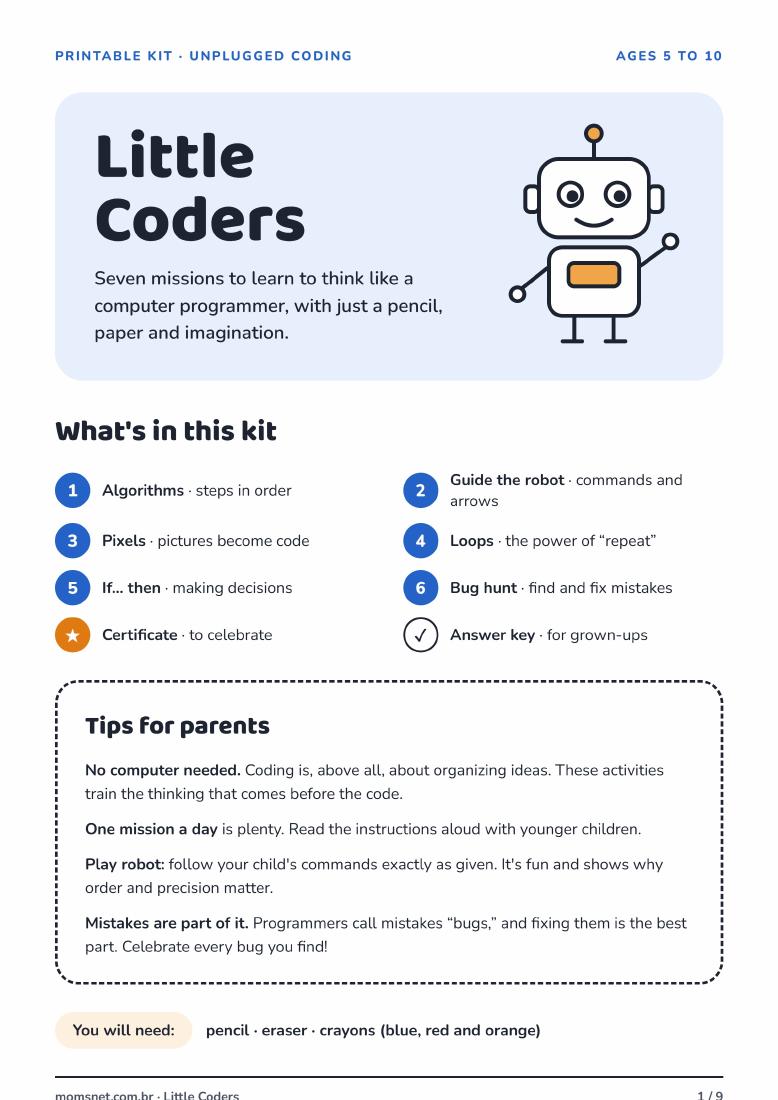
Free PDF · 9 pages · Ages 5–10
Unplugged coding activities: put steps in order, guide a robot, draw with pixels, explore loops and decisions, and find bugs. Includes a certificate and an answer key for grown-ups.
Download the complete workbook (PDF)The same conversation, at three depths.
Use comparison: AI learned to recognise dogs by seeing lots of them, just like they did. At this age you do not need to get into the internet or personal data — the point is “it is not a person”.
Good question: “does the robot feel cold?”
Now you can talk about mistakes and checking. Show a wrong answer and look it up together in a book. Agree that no request ever includes a name, school or address.
Good question: “how do we find out if that is true?”
The age for bias, homework and images: why an AI trained on narrow examples leaves people out, and why copying the answer teaches nothing.
Good question: “who benefits from this?”
Always with a grown-up nearby, and never with personal data.
Golden rule: requests that teach them to think, never requests that do the homework for them.
What comes up most in conversations at home.
“AI is intelligent like a person.”
Myth. It calculates the most likely next word. It does not understand what it says, has no wishes, and does not know you exist.
“If it sounds confident, it must be right.”
Myth. The confident tone is part of the style, not a guarantee. Inventing a fact, a book or a person is common — which is why you check.
“Using AI makes kids lazy.”
It depends. If they ask for the finished answer, yes. If they ask for questions, examples and corrections, AI becomes practice.
“AI learns everything I type.”
Partly true. Many services keep conversations to improve the system. That is why the rule always holds: no full name, school, address or photo.
Most AI services ask for 13+, and some require consent up to 18. Before that, the way in is using it together: the account is the adult’s, the child dictates the request, and you read the answer out loud.
Six words for your child to use naturally.
The examples the machine has already seen.
Something that repeats, so you can predict it.
The recipe of steps the computer follows.
The request we write for the AI.
When it invents something and sounds certain.
When people were missing from the examples and it turns out unfair.
No spam. Just good ideas for you and your little one.